What is an EDL / XML / AAF and what does this help with?
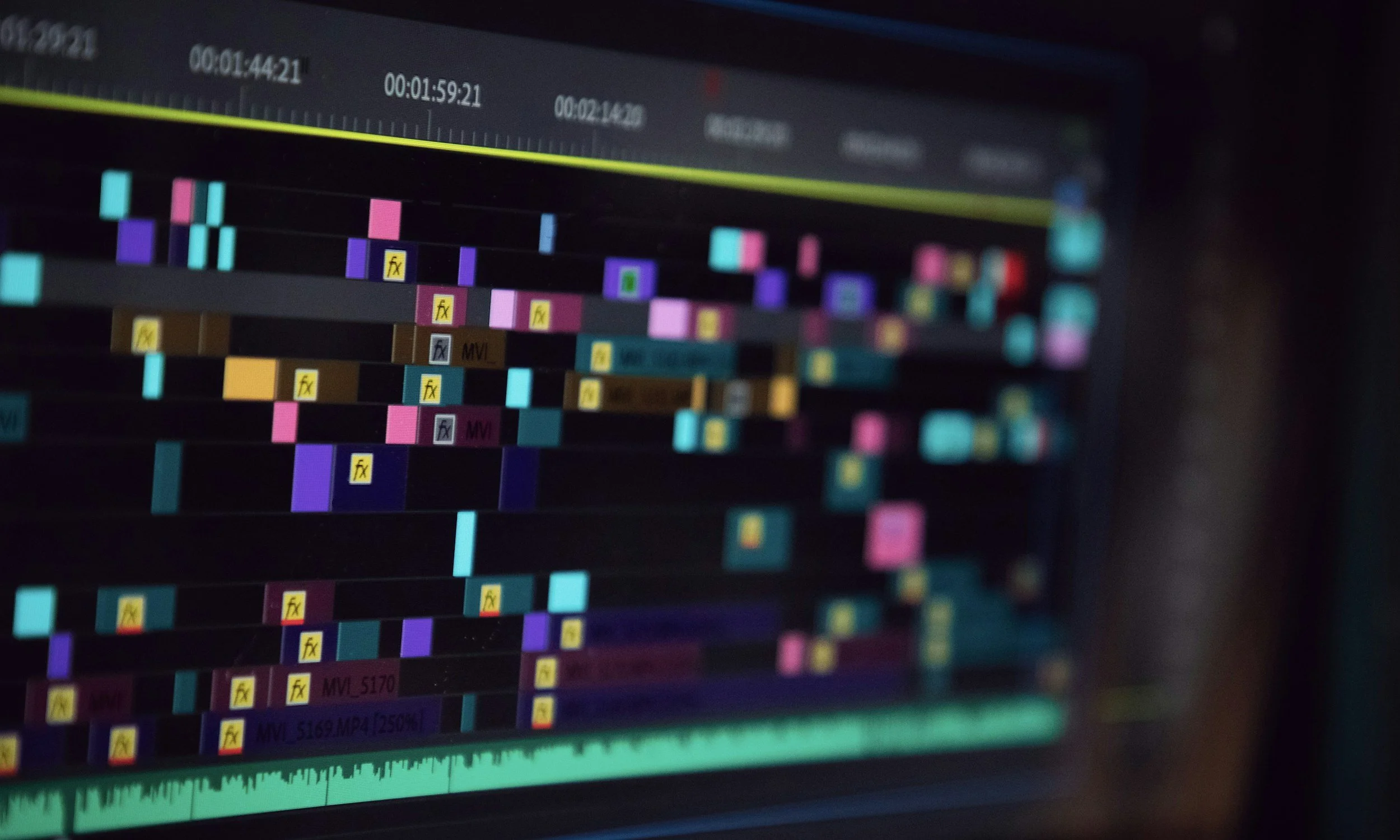
When turning over to a finishing house you’ve absolutely been asked to include an EDL, XML, or AAF. If you’re not an editor you might not be all that familiar with these file formats or how the post team utilizes them. All three of these file formats are used to transfer timeline data between software. Did your offline in Avid and need to finish in Resolve? Probably need an AAF. Need to notch a quicktime file? Going to need an EDL. Accidentally work with someone who utilizes Final Cut? Ask for an XML. Most NLEs can generate all three of these files. The difference between all of them is in their complexity and in what information they carry over. So let's talk about each of them!
EDL stands for Edit Decision List. It’s basically a text document with record and source timecode. It’s best for notch conforms and film scans. It does also carry tape names and file names and there are a couple of different flavors of EDLs. For the purposes of this conversation, most post teams will prefer a File32 EDL with Long Tape Names. Missing these last two settings on an EDL export is one of many reasons we request a copy of the clients project or timeline (so we can export it ourselves when the client one doesn’t function as expected). Some of the other flavors of EDLs truncate tape names, put source file info in a different field than most conform software wants and other issues. EDLs are the simplest version of these files. It will not include resize info, stabilization info, or keyframes. It can include color information in the form of CDLs.
XML stands for eXtensible Markup Language. It has much more information embedded in it but is largely tied to a specific program (Premier or Final Cut). It is best used when roundtripping projects that are more complex than cuts only between NLEs (Premier to Resolve for instance). XMLs carry all the same information as EDLs but can also carry positioning information, keyframe locations and timeline markers.
AAF stands for Advanced Authoring Format. It is a binary file format that is rich in information. It’s meant to be used across most platforms for complex, multi-vendor workflows. It’s for more complex workflows, especially involving Avid and ProTools.
So once your editorial team has completed the offline and needs to pass that sequence to a finishing team we (often) are using different software than the offline team and will need one of the above file formats to recreate your project in our software. The only instance you can circumvent these files is if you’re offline is happening in the exact same software (and version) as the online/color is happening. This is primarily a Resolve situation at present.