Conform Gotchas
You’ve got the clients EDL, their quicktime reference, and all the OCF. This thing will practically conform itself, right? Except, wait. EDL? Why didn’t they give you an AAF or an XML? I hope there’s not too many timewarps or loads of repositioning to do. Oh, and it looks like the timecode of the OCF doesn’t match the timecodes in the EDL. The proxies were created incorrectly! And the tape names are truncated!
Conforms seem rather straightforward in description right? Take the client material and make it match the ref. And if the turnover is solid it shouldn’t give an experienced editor too much of a headache. But where are the cracks in a conform? Some of the “gotchas!” that are rather consistent? The easiest one to point out is the format of the metadata. EDLs are great for a notch-conform but are you doing a full conform with OCF, opticals, VFX, etc? An AAF or XML can help expedite the process simply because they hold more information in them (like sizing information and keyframes). But even with more robust metadata you can still run into some issues. Are you conforming a documentary cut in Avid with multiple frame rates? Chances are a lot of the time codes for these different clips won’t be 100% frame accurate when they link up. Some might be wildly off and will require some manual matching. Once the frames are matched are there still differences between the first and last frame? The offline editor may have been using a different frame interpolation. Or, you need to consciously change the frame interpolation as the Mix setting the offline editor defaulted to is going to be flagged in QC. There’s a small list of gotchas I run across in almost every conform I do:
1.) Timewarps/frame rates. Machines do math differently so these require more scrutiny
2.) Frame interpolation for any and all clips that are not of the mastering frame rate
3.) Key frame interpolation for any animated opticals. Are they linear curves or Bezier?
4.) Titles. Are they premultiplied or un-premultiplied. Sometimes the difference can be quite subtle but one will match the clients intention and one will not.
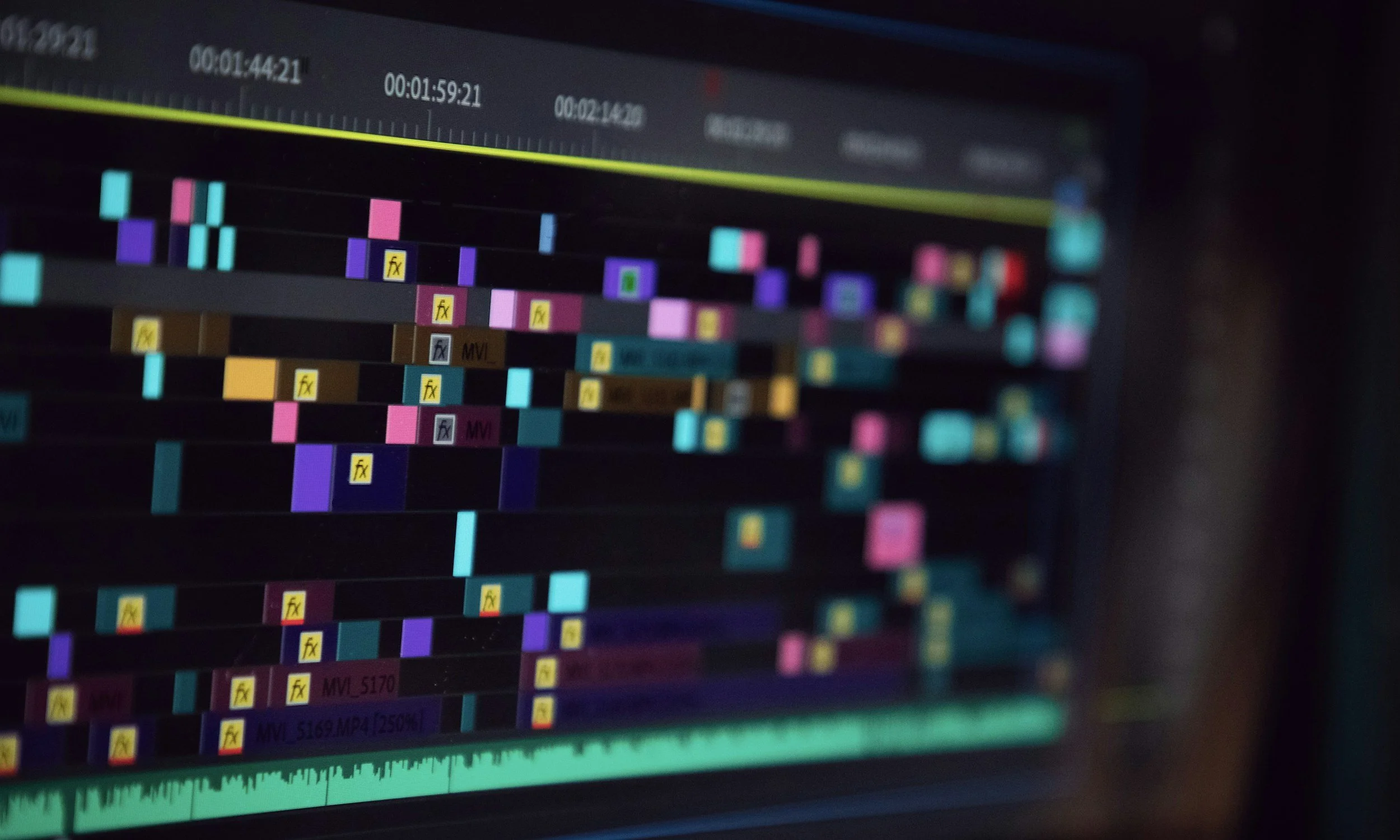
I often set up my projects in such a way that I’m constantly double checking my own work and so that I can make batch adjustments quickly and efficiently. All my methods boil down to one concept: Organization. Extreme organization. Changing the frame interpolation of all my 29.97 clips is considerably easier if all those clips are on the same labeled track. Manually adding a technical slate at the head of my timeline forces me to double check frame rates, frame sizes, and output date which potentially helps in troubleshooting. Isolating MIA clips to a single layer allows me to quickly visually identify any outstanding clips. Also, consistency in my coloring of markers and/or flags allows for quick identification of clips or issues.
When everything is due yesterday it can be difficult to find time to scrutinize every cut and every frame of the edit. Keeping organized and having a mental list of the things that will always need a little more attention can help expedite the work and ensure that your turnover is flawless.